Sign in
Built for Australian construction businesses

Construction job management
your team will actually use.

Track jobs, tasks, photos, shopping and clients in one place — from the jobsite or the office. Mobile-first, offline-ready, and built around how trades actually work.

Works offline on site Auto-imports from Xero Syncs with Google Calendar
Mobile-firstOne-handed jobsite use
Built in NSWFor Aussie tradies
PWAAdd to home screen, no app store
Offline-readyChanges sync when you reconnect

Everything you need to run a job

From the moment a quote is accepted to the day you hand over the keys.

Jobs & Tasks

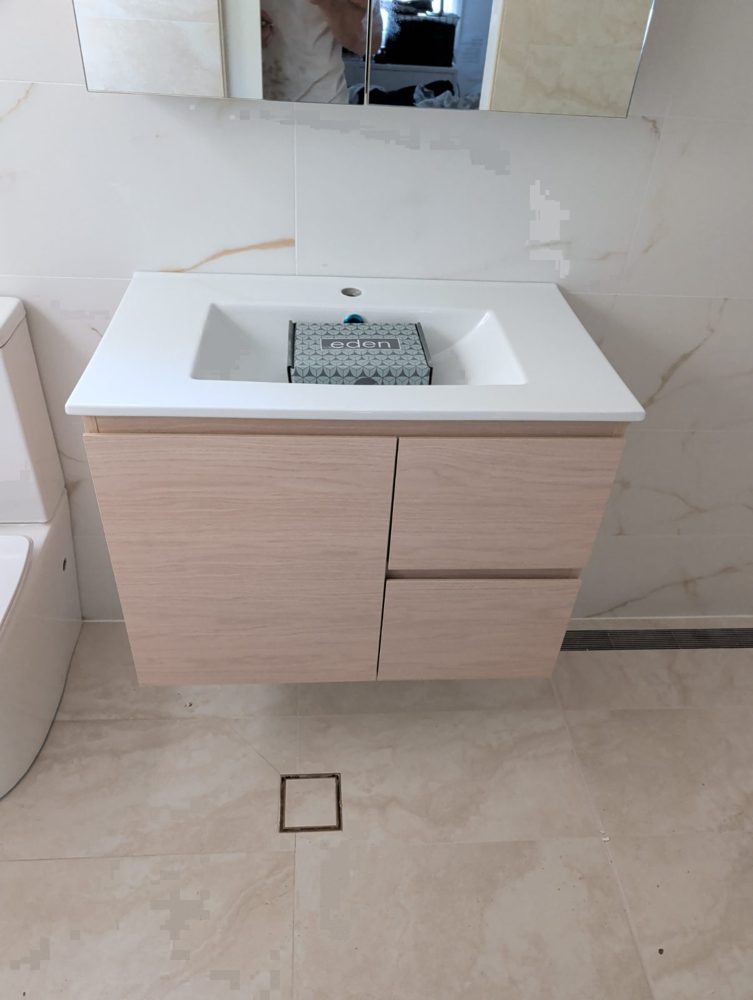
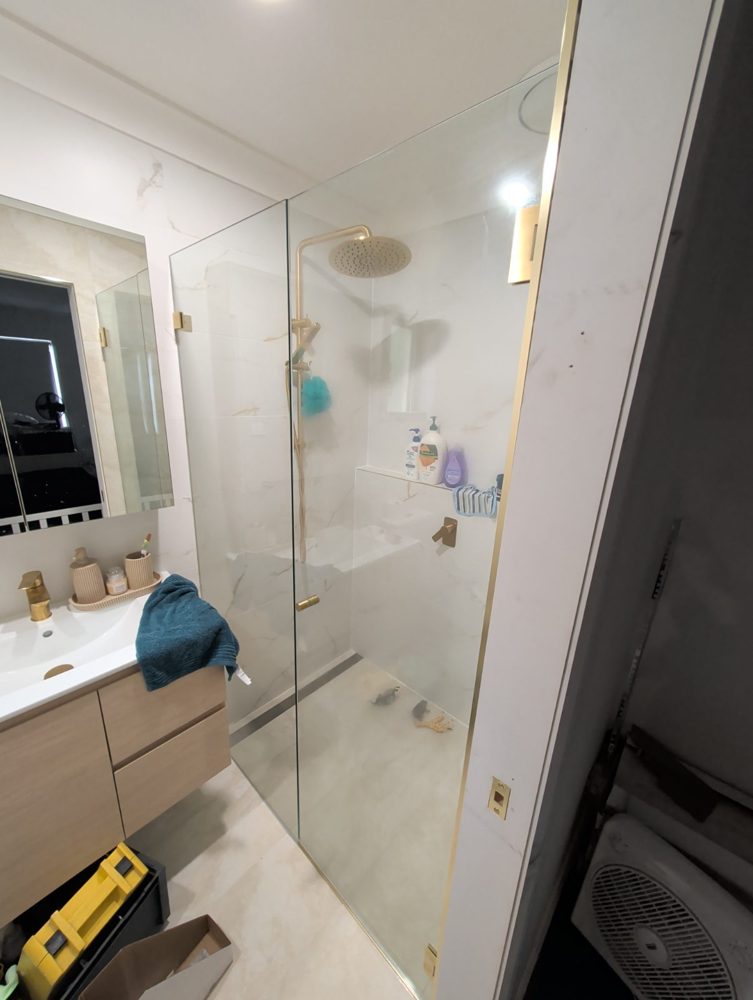
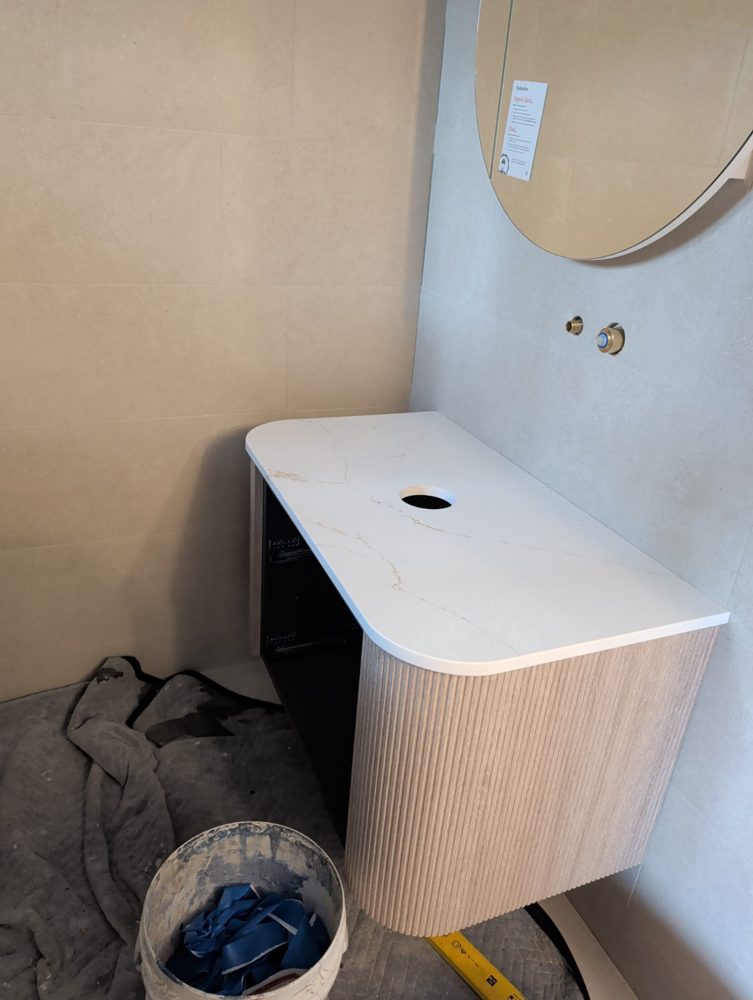
AI turns your scope of works into a structured task list. Drag-and-drop subtasks. Photo against every task.

Built for the jobsite

One-handed use. Camera-first photo capture. Voice input for new jobs. Works offline — your taps sync when you're back on signal.

Xero, automatically

Accept a quote in Xero and the job, client and tasks land in BrikTech ready to schedule. No double entry, ever.

Google Calendar sync

Two-way. Schedule a task and it appears in your calendar with the trade colour. Drag the event — the task date updates.

Shopping & selections

Per-supplier shopping lists with lead times. PC item selections with photos and approvals. Tile sheets, tapware, the lot.

Clients in the loop

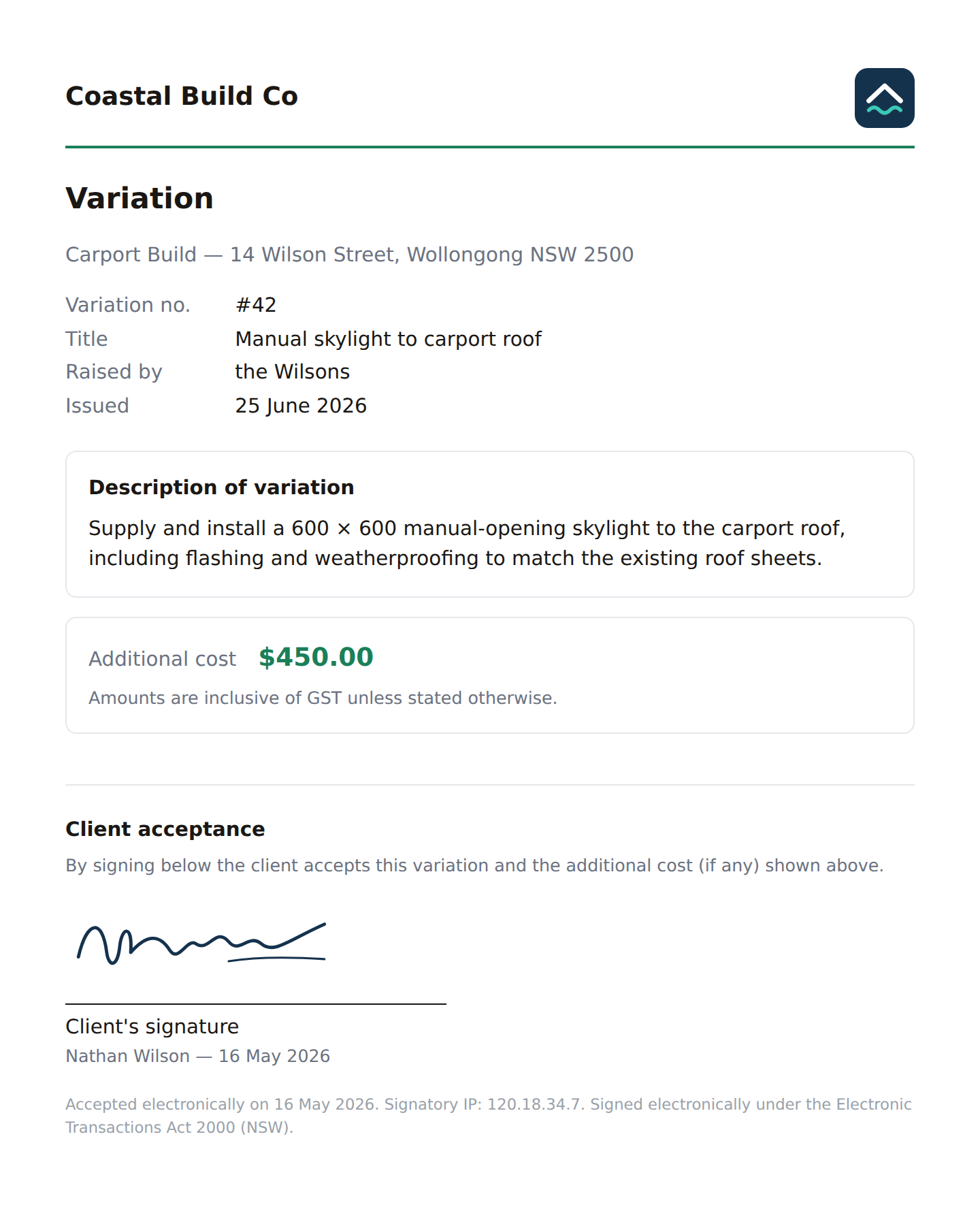
Print a QR code on a sign. Clients scan, see progress, leave notes and request variations — no app to download, no login.

From quote to keys

One workflow. Zero double-entry.

The same job you quoted in Xero becomes the job you build in BrikTech. AI breaks the scope into trades, generates tasks and subtasks, and gives everyone — site supervisor, trades, client — a single source of truth.

  • Quote accepted in Xero → job created in BrikTech
  • Scope auto-generates trade-grouped tasks
  • Assign trades, set start dates, sync to Calendar
  • Photos & notes against every task as work progresses
  • Client sees the same job dashboard via QR code

Bathroom Reno — Smith

Demolition
Plumbing rough-in
Waterproofing 📅 27/05
Tiling 📅 02/06
Fit-off 📅 09/06
For your client

Stop fielding "what's happening today?" texts.

Every BrikTech job has a public client view. Print the QR on your sign, or text the link. Your client sees progress photos, the day's work, and can leave notes or request variations — without signing up to anything.

  • Live progress, photos and notes
  • One-tap variation requests with photos
  • Tile and tapware selections sheet
  • No app, no password, no friction

briktech.net/q/AB12CD

What your team actually sees

Built for one-handed use on site. Every screen your supervisors, tradies and clients need — right on their phone.

Jobs overview

Task management

Shopping list

Works with what you already use

Connect once, then forget it. We do the syncing in the background.

Xero Auto-import accepted quotes as jobs.
Google Calendar Two-way task sync with trade colours.
SMS reminders Text trades for schedule confirmation.

Simple, honest pricing.

Choose a plan, create your company account, and start with a free trial or paid subscription.

Starter

For small builders getting jobs, tasks and client updates into one system.

A$29.99 per month
  • Jobs, tasks, photos and shopping lists
  • Client QR portal and progress updates
  • 1 company admin account to start

Ready to ditch the spreadsheet?

Get a jobsite-ready dashboard for your team in minutes.